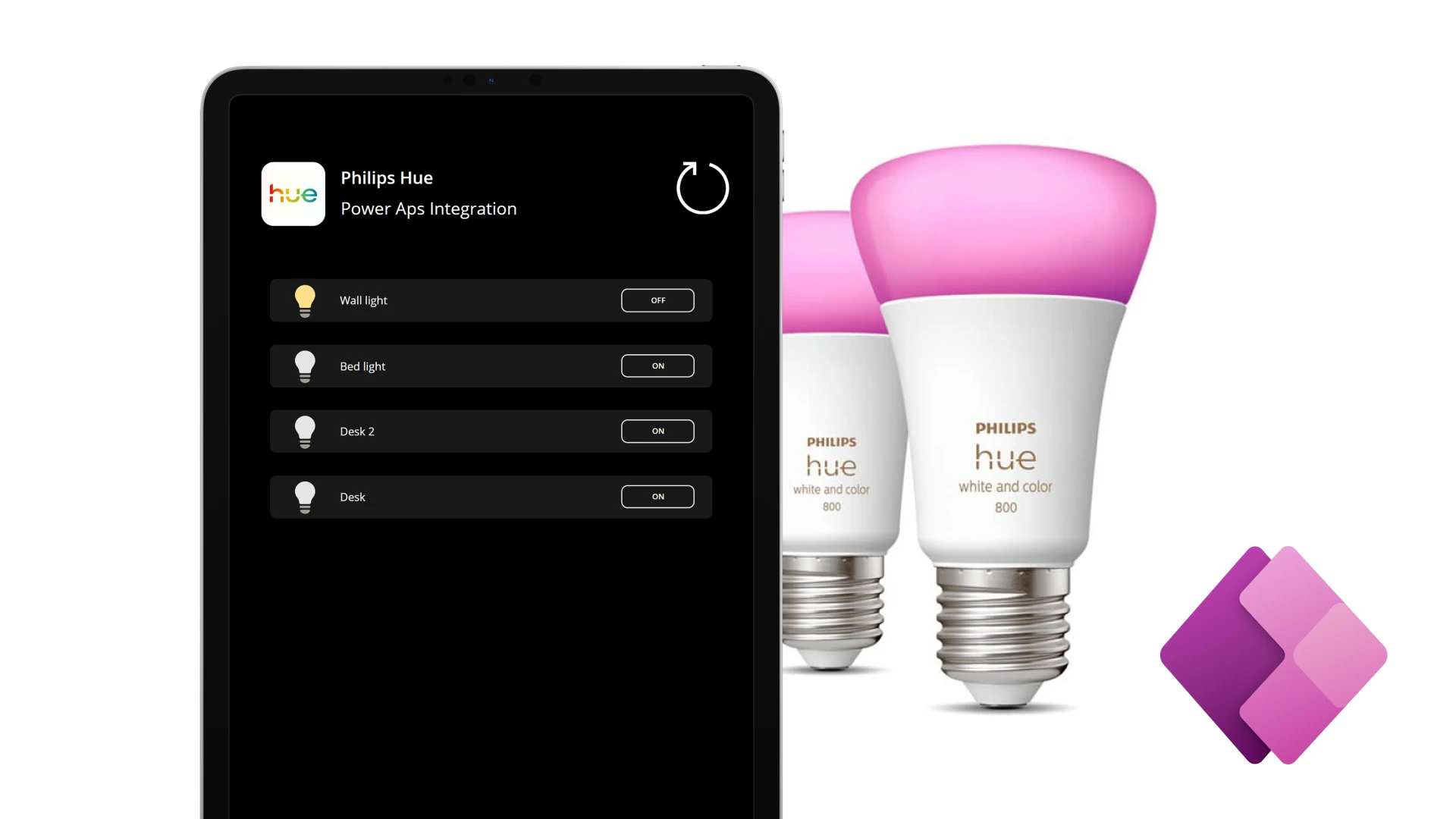
Controlling Philips Hue Lights with Power Apps Using a Secure Custom Connector
One of the projects I recently worked on was integrating Power Apps with Philips Hue to control smart lights directly from a Canvas App.
The goal was simple:
Control real devices from Power Apps using a clean, secure, and scalable architecture.
To achieve this, I built a custom connector that communicates with the Philips Hue REST API, secured using OAuth authentication, and then used that connector inside a Power Apps Canvas App to control lighting in my apartment.
Architecture Overview
The solution consists of three main parts:
- Philips Hue REST API
- Power Apps Custom Connector (OAuth-secured)
- Power Apps Canvas App

This separation keeps authentication, API logic, and UI concerns cleanly isolated.
Why a Custom Connector?
Power Apps does not provide a native connector for Philips Hue that supports OAuth and advanced device control scenarios.
A custom connector allows you to:
- Define your own REST endpoints
- Secure them using OAuth 2.0
- Reuse the integration across multiple apps
- Keep credentials and tokens out of Power Fx formulas
This makes it the right choice for integrating with third-party APIs.
Securing the Integration with OAuth
The Philips Hue API uses OAuth 2.0, which ensures that users authenticate with their own Philips Hue account.
Key points:
- Users sign in via Philips Hue
- Access tokens are issued and refreshed securely
- Power Platform manages token storage automatically
- No secrets are exposed in the app layer
This approach follows enterprise security best practices.
Building the Custom Connector
Inside the custom connector, I defined:
- Endpoints to retrieve available lights
- Endpoints to change light state (on/off, brightness, etc.)
- Request and response schemas
- OAuth configuration for Philips Hue authentication
At this stage, the connector successfully communicated with the Philips Hue API—but one important challenge remained.
Transforming the API Response for Power Apps
The Philips Hue REST API returns a complex, nested JSON structure that is not directly consumable by Power Apps.
Power Apps expects data in a flat, predictable, and strongly typed format, especially when working with collections and galleries.
To solve this, I implemented a custom data transformation layer using C#.
What I Did:
- Parsed the raw JSON response from the Hue API
- Extracted and normalized relevant fields (light ID, name, state, brightness, etc.)
- Converted the response into a Power Apps–friendly schema
- Returned a clean, structured object that Power Apps could easily bind to
- This transformation logic was implemented using custom C# code, allowing full control over the output format.
Why This Matters:
✔ Power Apps galleries and controls work reliably
✔ No complex parsing logic inside Power Fx
✔ Strongly typed connector actions
✔ Much cleaner app formulas
This step significantly improved maintainability and usability of the app.
Creating the Power Apps Canvas App
With the transformed data exposed through the connector, building the Canvas App became straightforward.
App Capabilities:
- Display a list of lights returned by the connector
- Toggle lights on and off
- Adjust brightness and settings
- Reflect real-time device state
All interactions are handled through connector actions, keeping the UI logic simple and readable.
Why This Project Matters
This project demonstrates how Power Apps can be used as a real integration and control layer, not just a form builder.
Key takeaways:
- Power Apps can control real IoT devices
- Custom connectors enable integration with any REST API
- OAuth provides secure, user-based authentication
- Custom backend logic can bridge gaps between APIs and Power Apps requirements
Lessons Learned
✔ Design security-first integrations
✔ Use custom connectors for external APIs
✔ Normalize API responses for Power Apps
✔ Avoid complex logic in Power Fx
✔ Treat Power Apps as a real application platform
Final Thoughts
By combining Power Apps, a secure OAuth-based custom connector, and custom C# data transformation, I was able to build a smart home control app that follows solid engineering principles.
This approach scales well beyond smart lighting and can be applied to many enterprise and IoT scenarios where Power Apps needs to interact with external systems securely and reliably.