Power Apps Just Got Functions: Writing Reusable Logic Like a Pro
For a long time, Power Apps developers had to repeat the same formulas again and again across screens, controls, and apps.
Complex logic often ended up duplicated, hard to maintain, and error-prone.
That has now changed.
With the introduction of User-Defined Functions, Power Apps finally allows developers to write reusable, parameterized logic—bringing the platform closer to traditional programming paradigms.
In this article, you’ll learn:
- What Power Apps functions are
- How to enable them
- How to define your own function
- A real-world example: converting decimal time (e.g.
9.5) into a proper time value (09:30)
What Are User-Defined Functions in Power Apps?
User-defined functions allow you to:
- Encapsulate logic in one place
- Reuse it across your app
- Improve readability and maintainability
- Reduce copy-paste formulas
Think of them as custom formulas that behave like built-in Power Apps functions.
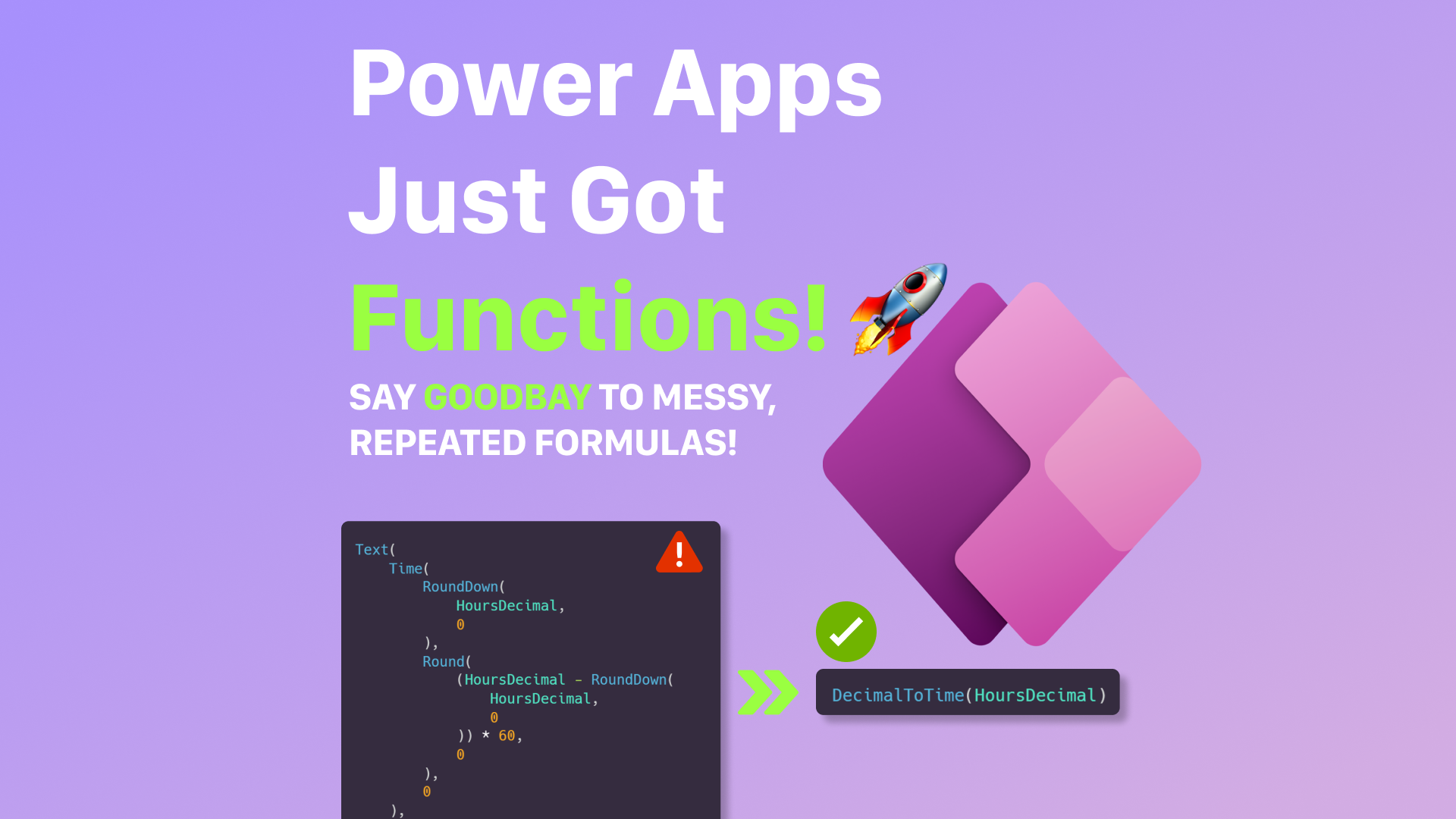
Instead of repeating logic like this:
Text(
    Time(
        RoundDown(
            HoursDecimal,
            0
        ),
        Round(
            (HoursDecimal - RoundDown(
                HoursDecimal,0
            )) * 60,
            0
        ),
        0
    ),
    "HH:mm"
)
You define it once and reuse it everywhere.
How to Enable Functions in Power Apps
Functions are currently a preview feature, so you need to enable them explicitly.
- Enable New analysis engine
- Enable User-defined functions

Once enabled, you’ll see a new Functions section in the Tree View.
Defining Your First Custom Function
Functions are written in Power Fx, the same language used throughout Power Apps.
Basic syntax:
FunctionName(Parameter1: Type, Parameter2: Type): ReturnType = Formula
Example:
AddNumbers(a: Number, b: Number): Number = a + b
This function can now be called anywhere in your app:
AddNumbers(5, 3)
Real-World Example: Decimal Time to Time Value
A common business scenario is working with decimal time values:
9.5 → 9 hours 30 minutes
14.25 → 14 hours 15 minutes
Power Apps does not handle this conversion natively, so let’s build a reusable function.
Function Requirement
Input:
Decimal number representing hours (e.g. 9.5)
Output:
Proper Time value (09:30)
Step 1: Understand the Logic
For a value like 9.5:
Hours =
RoundDown(9.5, 0) → 9Minutes =(9.5 - 9) * 60 → 30
We then construct a Time value using Time()
Step 2: Define the Function
Create a new function and define it as follows:
DecimalToTime(decimalHours: Number): Text =
    Text(
        Time(
            RoundDown(
                decimalHours,
                0
            ),
            Round(
                (decimalHours - RoundDown(
                    decimalHours,
                    0
                )) * 60,
                0
            ),
            0
        ),
        "[$-en-US]hh:mm"
    );`
Step 3: Use the Function
Now you can use this function anywhere in your app:
DecimalToTime(9.5)
09:30
Another example:
DecimalToTime(14.25)
14:15

Why This Matters in Real Apps
Without functions:
- Logic is duplicated
- Fixes must be applied everywhere
- Apps become hard to maintain
With functions:
- Logic lives in one place
- Changes are instant and global
- Apps scale much better
This is especially important in enterprise Power Apps, where:
- Multiple developers collaborate
- Business rules evolve over time
- Consistency is critical
Best Practices for Power Apps Functions
✔ Keep functions small and focused
✔ Name functions clearly and descriptively
✔ Avoid side effects (functions should return values, not change state)
✔ Use With() for readability
✔ Document expected inputs and outputs
Final Thoughts
User-defined functions are a major step forward for Power Apps.
They bring:
- Cleaner architecture
- Reusable logic
- Better long-term maintainability
If you’re building serious, production-grade Power Apps, functions are no longer optional—they’re essential.