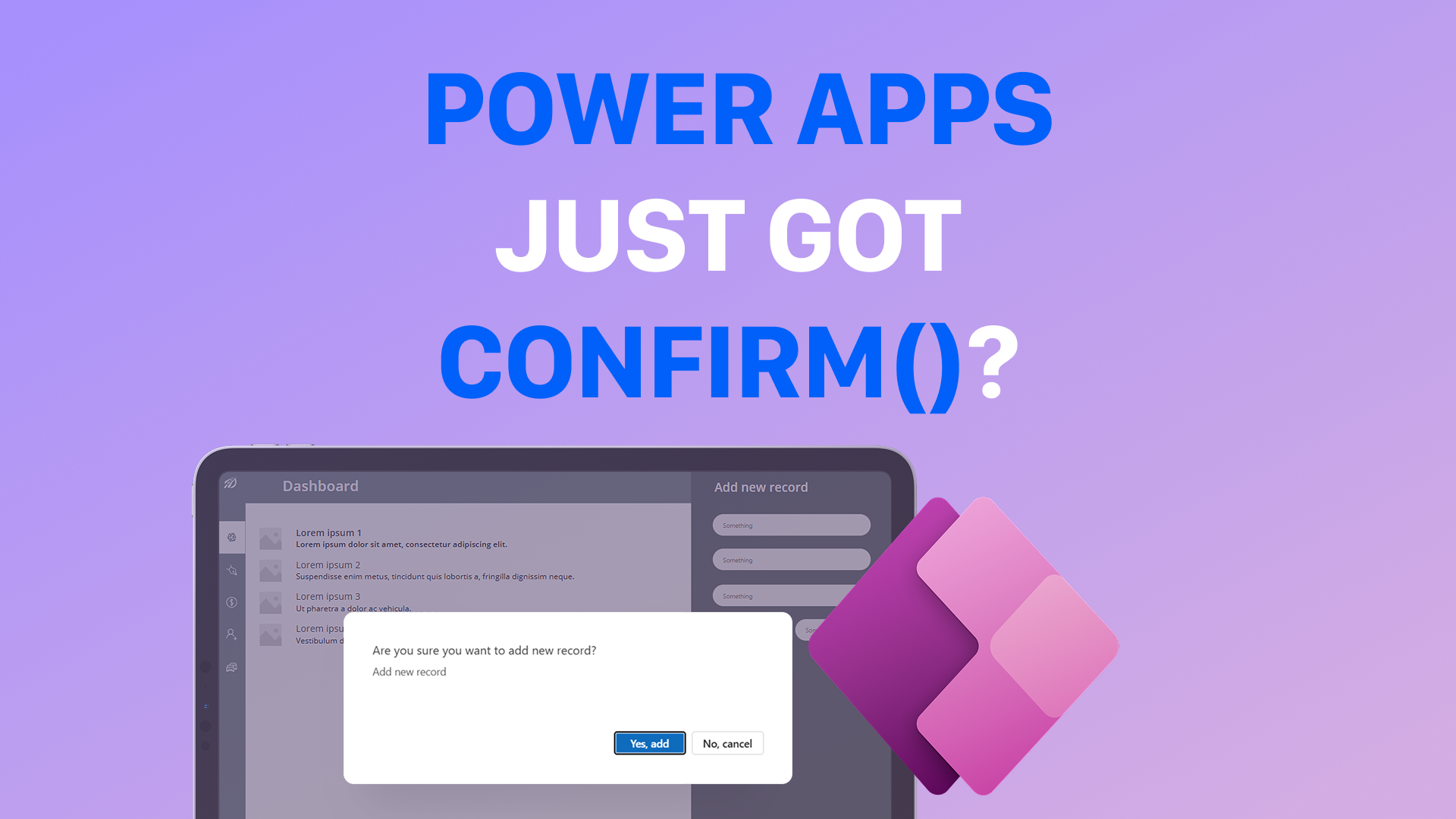
💥 Power Apps Just Got Confirm() 💥
For years we all said the same thing:
“Canvas apps don’t have native confirmation dialogs.”
Well… that statement is no longer 100% true 👀
Yes — Confirm() now works in Canvas apps.
- No more building custom modal screens.
- No more layering containers on top of containers.
- No more popup visibility variables everywhere.
What Confirm() Changes
With the new Confirm() function, you can trigger a native confirmation dialog directly from a button’s OnSelect property.
Example:
If(
    Confirm(
        "Add new record",
        {
            Subtitle: "Are you sure you want to add new record?",
            ConfirmButton: "Yes, add",
            CancelButton: "No, cancel"
        }
    ),
    Collect(MyData, {...}),
    Notify("Canceled")
)
That’s it.
If user confirms → action runs. If user cancels → fallback logic executes.
Simple. Clean. Native.
But There’s a Catch 👇
Before you celebrate too much, check two things:
1️⃣ Enable Modern Controls
Go to:
Settings → Updates → New
Turn on Modern controls and themes.
Without modern controls enabled, Confirm() won’t work.

2️⃣ Check Your Authoring Version
Go to:
Settings → Support
You need version 3.26022.5 or higher.
If you're on an older authoring version, the function won’t be available.

What We Achieved
Using Confirm() means:
✔ No more custom pop-ups
✔ Less workaround logic
✔ Faster implementation
✔ Cleaner apps
✔ Better UX consistency
This may look like a small feature. But in real enterprise apps, this removes a surprising amount of boilerplate logic.
Why This Matters
In larger applications, confirmation dialogs are everywhere:
- Delete actions
- Submit forms
- Approve requests
- Critical updates
Before, each one required:
- A custom modal container
- Visibility variables
- Overlay layers
- Extra state handling
Now?
- One function
- Cleaner architecture
- Less UI complexity
- More maintainable apps
Final Thought
Before you build another custom modal…
Maybe test Confirm() first 😉
Sometimes small platform updates remove entire workaround patterns we’ve been carrying for years.
And that’s when low-code becomes even more powerful.