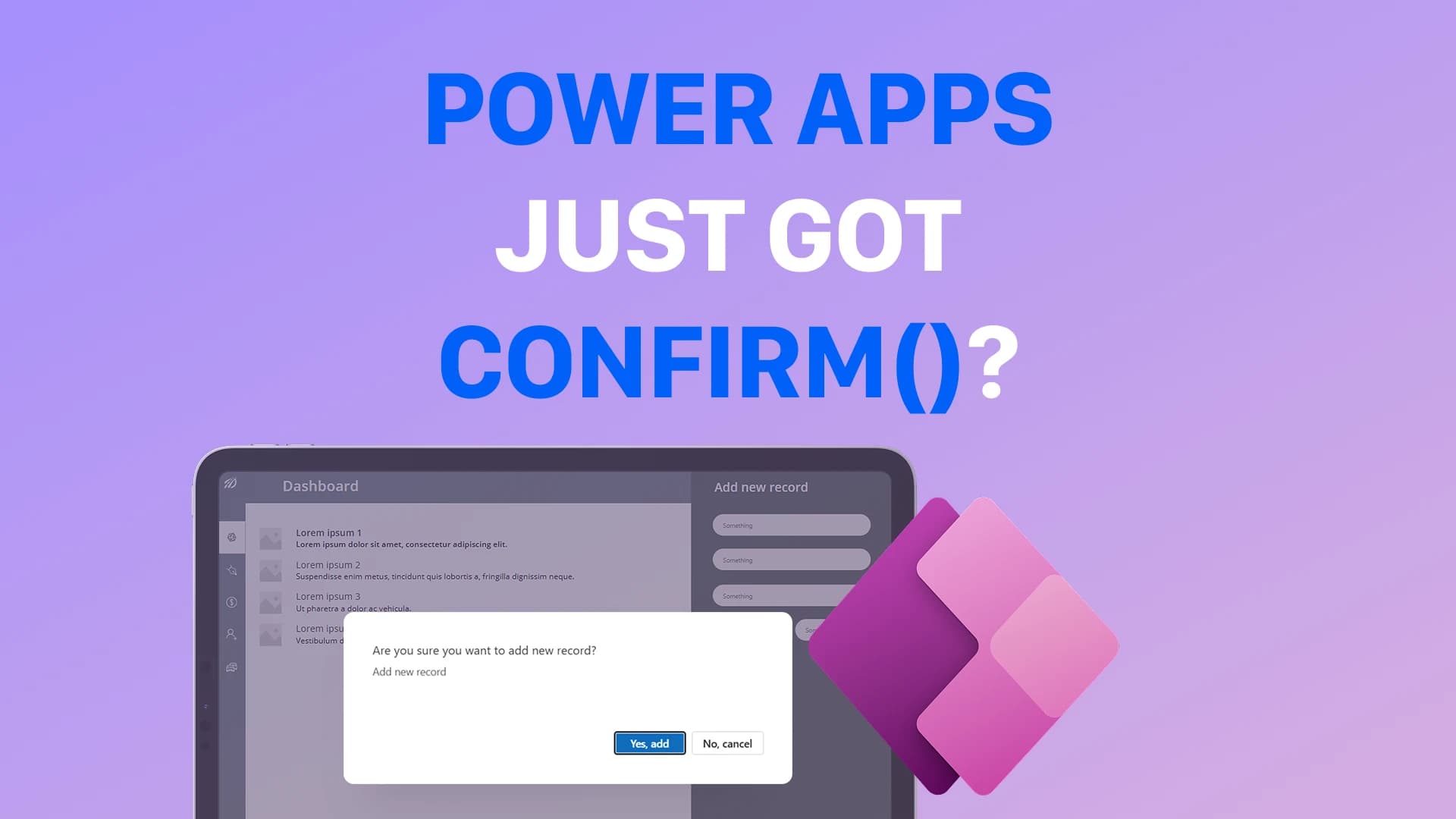
For years, Power Apps makers said the same thing:
“Canvas apps do not support native confirmation dialogs.”
And honestly… they were right.
If you wanted a confirmation popup in Power Apps, you usually had to build it yourself.
That meant:
- custom modal containers
- visibility variables
- overlay layers
- popup state handling
- additional UI complexity
But that has finally changed.
Power Apps now supports native confirmation dialogs using
Confirm().
This is a surprisingly important improvement for Power Apps canvas apps.
Instead of building custom popups manually, you can now trigger a native confirmation dialog directly from Power Fx.
What Is Confirm() in Power Apps?
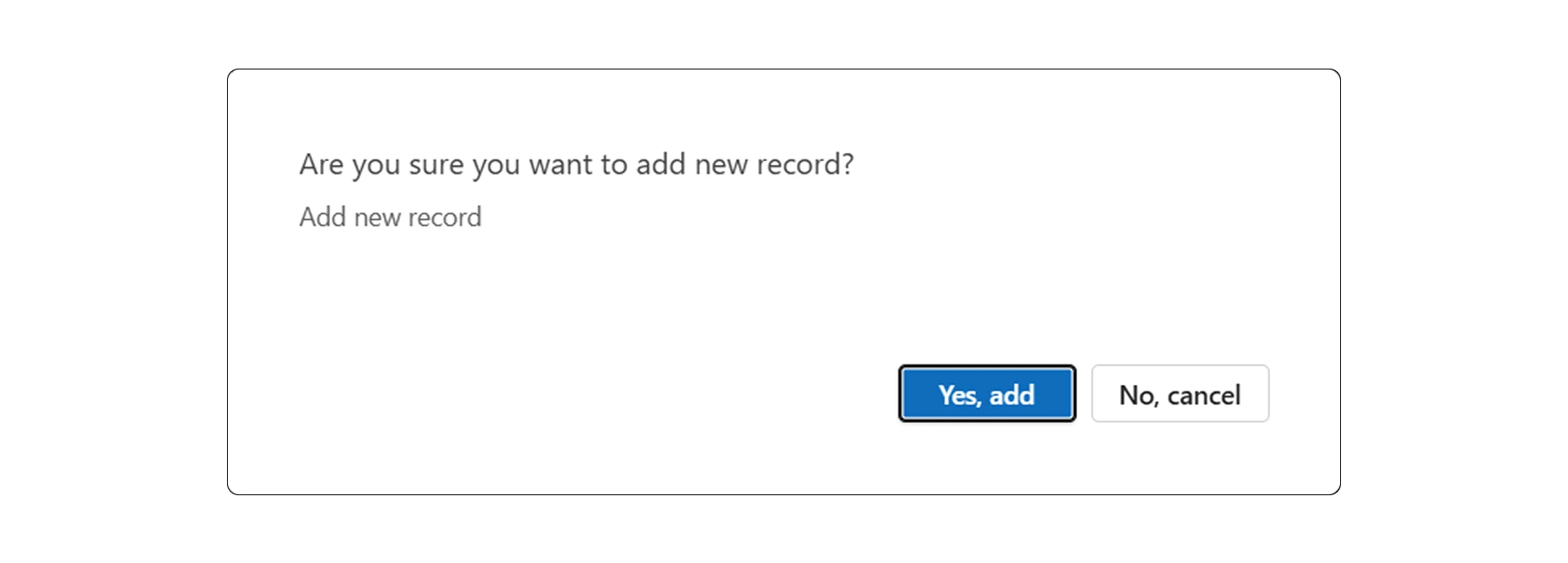
Confirm() is a Power Fx function that displays a native confirmation dialog to the user.
It allows you to:
- ask the user for confirmation
- simplify destructive actions
- reduce custom popup logic
- improve user experience
- create cleaner app architecture
The function returns:
trueif the user confirmsfalseif the user cancels
This makes confirmation handling significantly simpler than older workaround approaches.
Why This Matters
Confirmation dialogs are extremely common in enterprise Power Apps applications.
You often need them for:
- deleting records
- approving requests
- submitting forms
- updating important data
- triggering workflows
- canceling processes
- resetting forms
- overwriting existing information
Previously, every confirmation popup required additional UI architecture.
A typical implementation often included:
❌ popup containers
❌ overlay backgrounds
❌ visibility variables
❌ temporary state handling
❌ duplicated popup logic
❌ additional screen complexity
And once you repeated this pattern multiple times across the app, maintenance became frustrating.
Confirm() removes most of that complexity.
Basic Example of Confirm() in Power Apps
You can use Confirm() directly inside the OnSelect property of a button.
Example:
If(
    Confirm(
        "Add new record",
        {
            Subtitle: "Are you sure you want to add a new record?",
            ConfirmButton: "Yes, add",
            CancelButton: "No, cancel"
        }
    ),
    Collect(MyData, {...}),
    Notify("Canceled")
)
Here is what happens:
- the confirmation dialog appears
- if the user confirms → the record is added
- if the user cancels → fallback logic executes
Simple.
Clean.
Native.
This is dramatically easier than building custom popup screens.
How Confirm() Works
The Confirm() function behaves like a Boolean condition.
If the user presses the confirm button:
true
If the user presses cancel:
false
That means you can use it naturally inside Power Fx logic:
If(
    Confirm(...),
    ActionIfConfirmed,
    ActionIfCanceled
)
This makes the implementation extremely intuitive for Power Apps developers.
Important Requirement: Enable Modern Controls
Before using Confirm(), you need to enable Modern Controls.
Go to:
Settings → Updates → New
Enable:
Modern controls and themes
Without modern controls enabled, the Confirm() function will not work.

Important Requirement: Check Your Authoring Version
The Confirm() function also depends on your Power Apps authoring version.
Go to:
Settings → Support
You need:
3.26022.5 or higher
If your version is older, the function may not be available yet.

Real-World Use Cases for Confirm()
The new Confirm() function is especially useful in scenarios like:
- deleting SharePoint records
- approving business requests
- submitting forms
- overwriting existing data
- resetting applications
- triggering Power Automate flows
- updating Dataverse records
- removing users from systems
- confirming irreversible actions
These are extremely common enterprise app scenarios.
And previously, all of them required custom popup implementations.
Why Confirm() Improves Power Apps Architecture
This feature may look small at first.
But it actually improves application architecture significantly.
Without Confirm():
- more components
- more state variables
- more popup screens
- more UI duplication
- more maintenance effort
With Confirm():
✅ less custom UI
✅ simpler Power Fx logic
✅ cleaner architecture
✅ more maintainable apps
✅ faster implementation
✅ more consistent user experience
This becomes very important as Power Apps applications grow larger.
Confirm() vs Custom Popup Components
Custom popup components are still useful in some advanced scenarios.
For example:
- highly customized branding
- multi-step confirmations
- embedded forms inside dialogs
- advanced approval experiences
But for standard confirmation dialogs:
👉 Confirm() is usually the better choice.
It is:
- faster
- cleaner
- easier to maintain
- easier to reuse
And it removes a large amount of unnecessary boilerplate logic.
Best Practices for Using Confirm()
When using Confirm() in Power Apps, I recommend following these best practices:
- use clear confirmation text
- explain the action clearly
- use confirmation only for important actions
- avoid excessive popup usage
- keep button labels simple
- use meaningful fallback logic
- avoid confirmation fatigue
Good UX still matters.
Not every action should require confirmation.
Example: Delete Record with Confirm()
One of the most common scenarios is deleting records.
Example:
If(
    Confirm(
        "Delete record",
        {
            Subtitle: "This action cannot be undone.",
            ConfirmButton: "Delete",
            CancelButton: "Cancel"
        }
    ),
    Remove(MyData, ThisItem),
    Notify("Deletion canceled")
)
This is dramatically simpler than older popup-based implementations.
Why This Is a Bigger Update Than It Looks
At first glance, Confirm() looks like a small feature.
But it actually removes an entire workaround pattern that Power Apps makers have used for years.
That matters.
Because every removed workaround means:
- simpler apps
- less technical debt
- cleaner UI architecture
- easier onboarding for developers
- faster delivery
Small platform improvements often create massive long-term impact.
Final Thoughts
The new Confirm() function is one of those Power Apps features that immediately improves everyday development.
It reduces UI complexity, simplifies confirmation handling, and removes a surprising amount of workaround logic.
For small apps, this saves time.
For enterprise apps, this improves maintainability significantly.
And perhaps most importantly:
👉 it allows Power Apps makers to focus more on business logic instead of UI workarounds.
The Rule to Remember
Before building another custom popup in Power Apps:
👉 try Confirm() first.
Sometimes one native feature can replace an entire workaround architecture.