Centralize Your Power Apps with App.Formulas
Working with Power Apps often means repeating the same things across the app.
At first, it feels harmless.
But over time… it becomes a problem.
The Pattern
You start building your app and reuse values like:
- dropdown items
- colors
- expressions
Everything works 👍
So you keep going.
The Problem
As the app grows, these values start appearing everywhere.
- same dropdown defined in multiple screens
- same color hardcoded in different controls
- same logic repeated across components
And suddenly you have:
❌ duplicated configuration
🎨 inconsistent UI
🛠️ unnecessary maintenance effort
Why This Matters
The issue isn’t just duplication.
It’s what happens when something changes.
You need to:
- update values in multiple places
- remember where everything is used
- hope you didn’t miss anything
👉 This is where apps become fragile.
The Fix: App.Formulas
A simple but powerful improvement is to use App.Formulas.

Instead of defining values locally:
👉 Define them once
👉 Reuse them everywhere
What You Can Centralize
This approach works for more than just one use case.
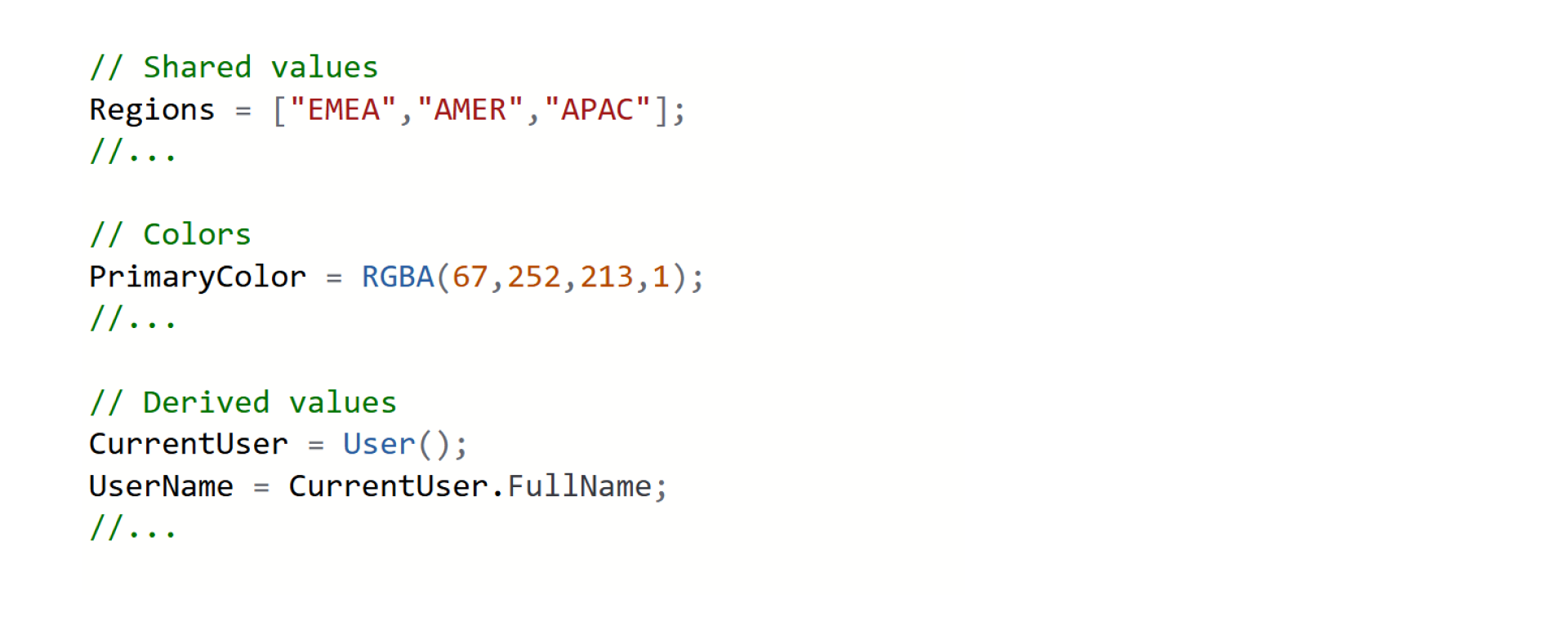
1. Dropdown Values

Instead of:
["EMEA", "AMER", "APAC"]
Define once:
Regions = ["EMEA", "AMER", "APAC"]
And reuse:
Regions

2. Colors
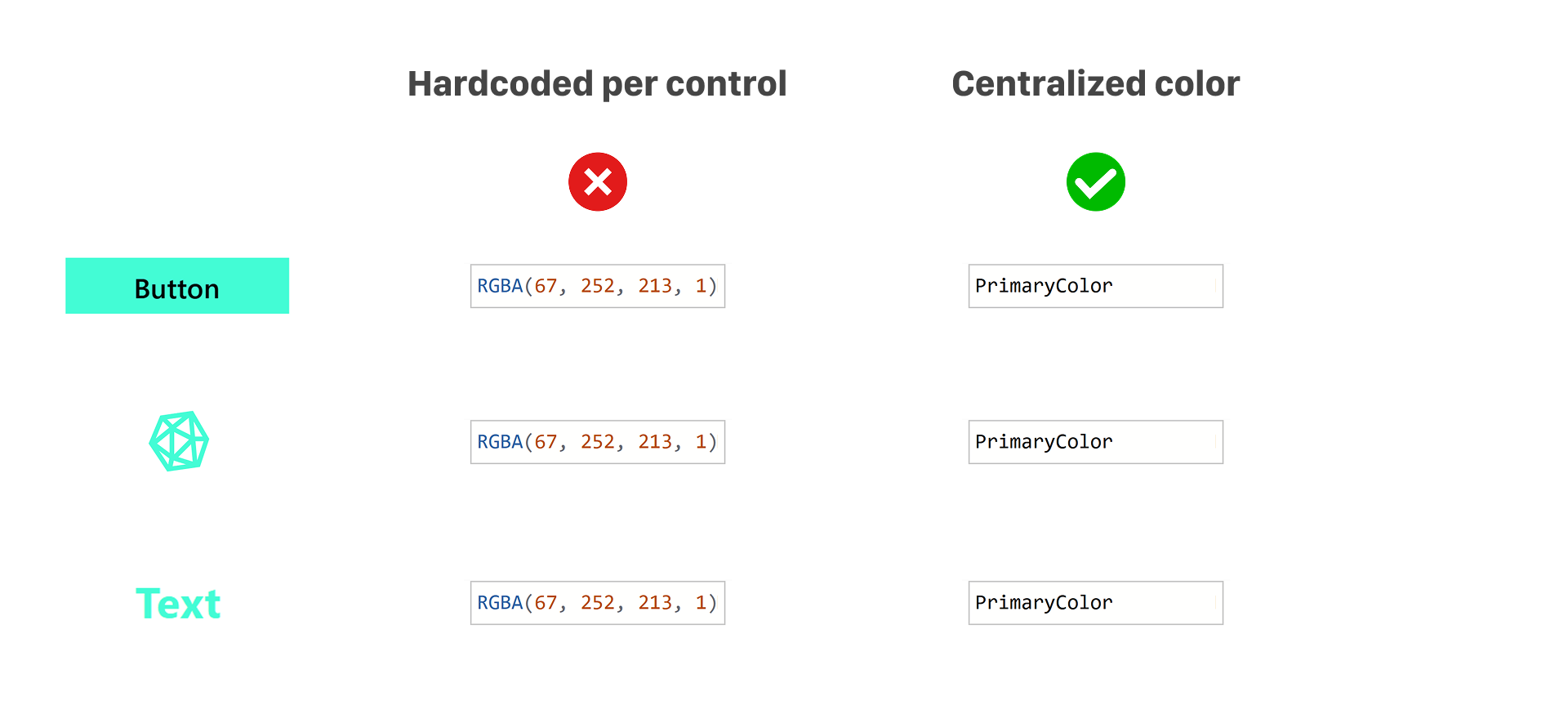
Instead of hardcoding colors:
RGBA(67, 252, 213, 1)
Define:
PrimaryColor = RGBA(67, 252, 213, 1)
Use everywhere:
PrimaryColor
3. Reusable Expressions

Instead of repeating logic:
"Welcome " & User().FullName
Define:
UserName = User().FullName
WelcomeText = "Welcome " & UserName
Reuse:
WelcomeText

What This Is NOT About
This is not about making your app more dynamic.
It’s about:
📍 having a single source of truth
The Benefits
When you centralize values using App.Formulas:
⚡ updates are instant (change once, apply everywhere)
🎯 UI stays consistent
📉 duplication is reduced
🧩 maintenance becomes easier
Real Impact
Small change.
Big difference.
Your app becomes:
- cleaner
- easier to understand
- easier to scale
Final Thoughts
Most Power Apps become messy not because of complexity…
But because of repetition.
If you define things once, you don’t have to fix them everywhere.
One Question
Do you already use App.Formulas in your apps?
Or are you still repeating the same values across screens?
👇
#PowerApps #PowerPlatform #LowCode #Microsoft #AppDevelopment #SoftwareArchitecture #CleanCode #DevelopmentTips #Automation